Use case 2 of 7
Never miss an appointment request
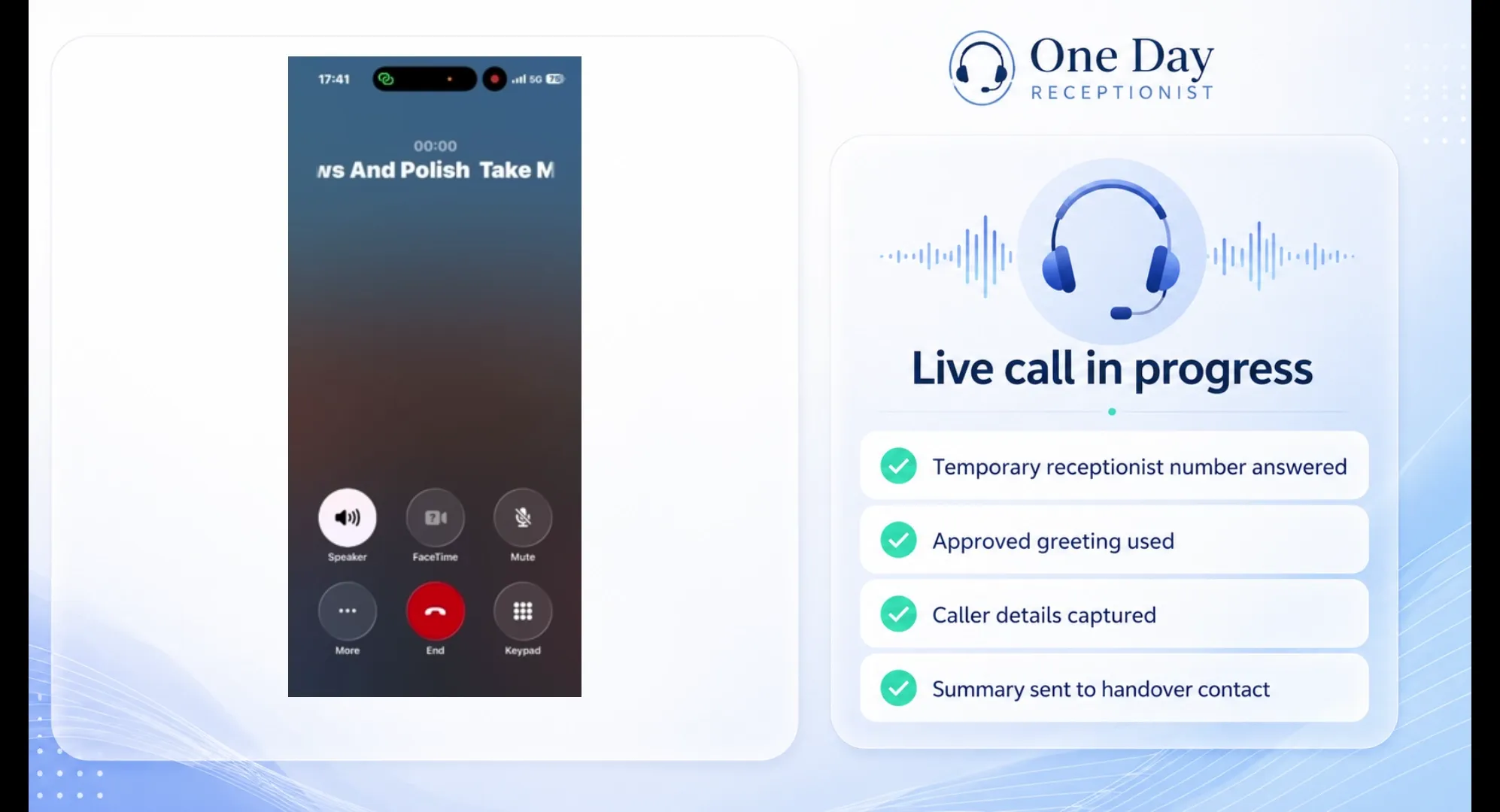
Your receptionist answers the call, captures the request, checks the details and sends the summary to you by SMS and email.
Set up this type of cover
Set up an AI receptionist for the day. Get a temporary number, forward your calls, and receive every message, callback or booking request.
Ideal for busy days, staff absence, holidays, events and short-term cover.
Works on mobile — choose your cover, answer the guided questions, pay, and forward calls when ready.
Book a quick setup demo and we'll show you how the receptionist answers, captures caller details, and sends the call summary.
Book a setup demo Watch the mobile setup demo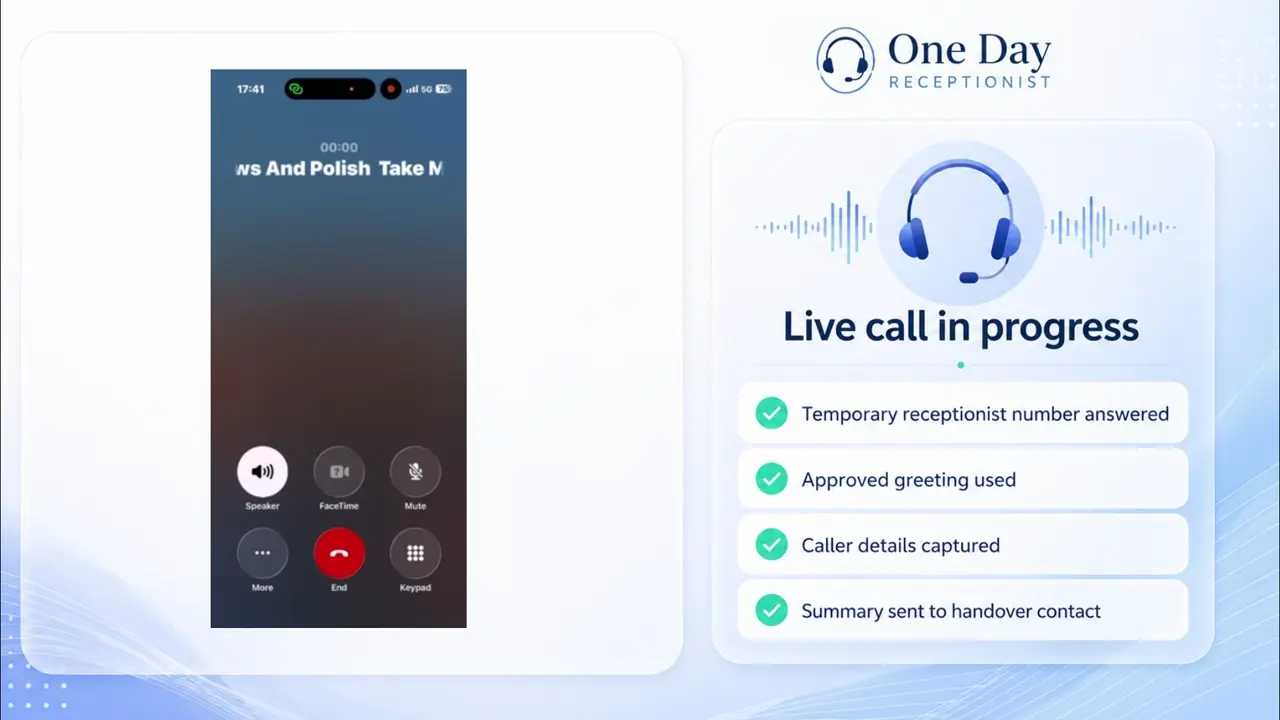 ▶
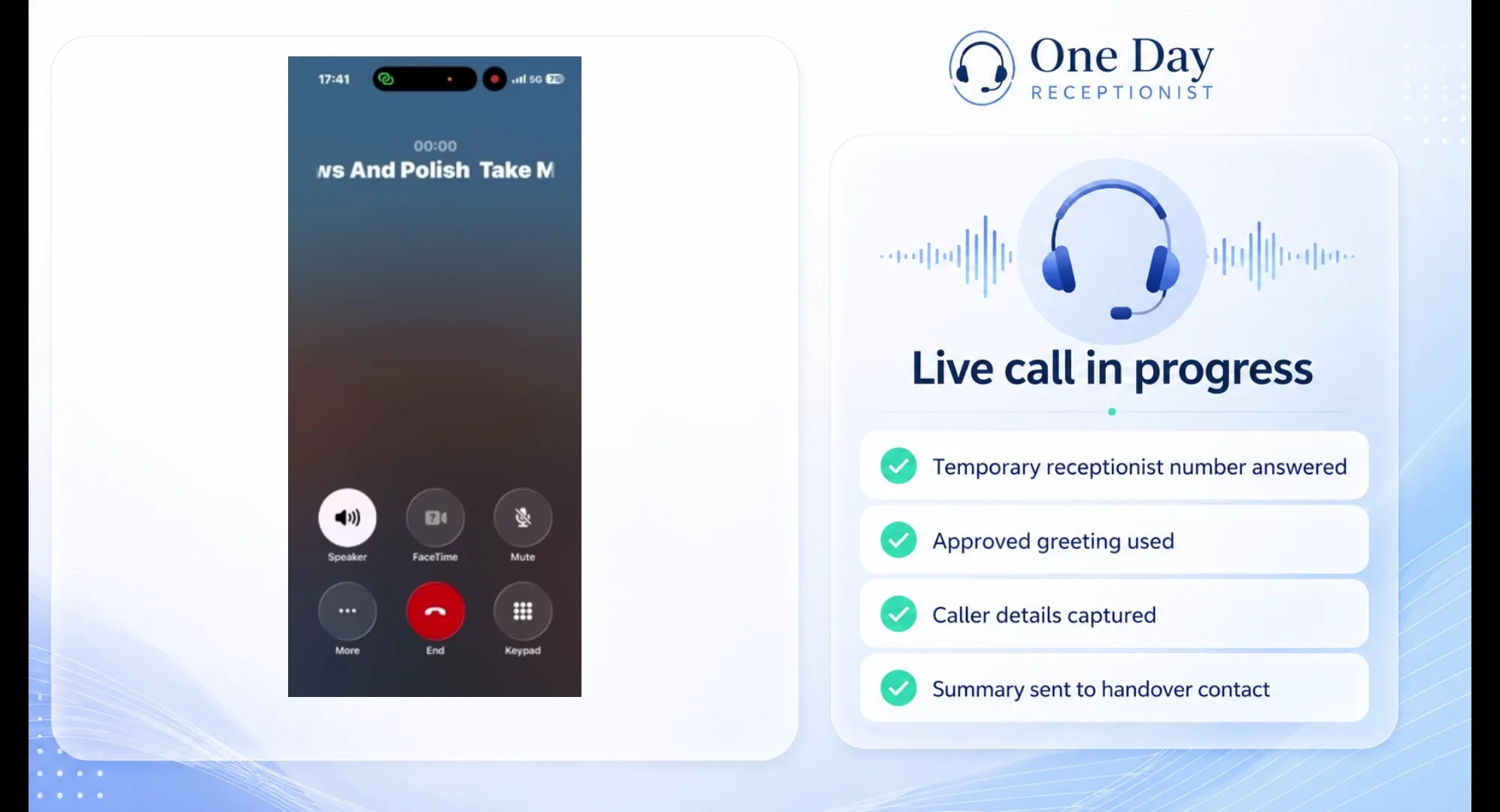
Message taking
Take and send messages for you.
Watch call demo
▶
Message taking
Take and send messages for you.
Watch call demo
 ▶
Callback requests
Capture who called and when they want a response.
Watch call demo
▶
Callback requests
Capture who called and when they want a response.
Watch call demo
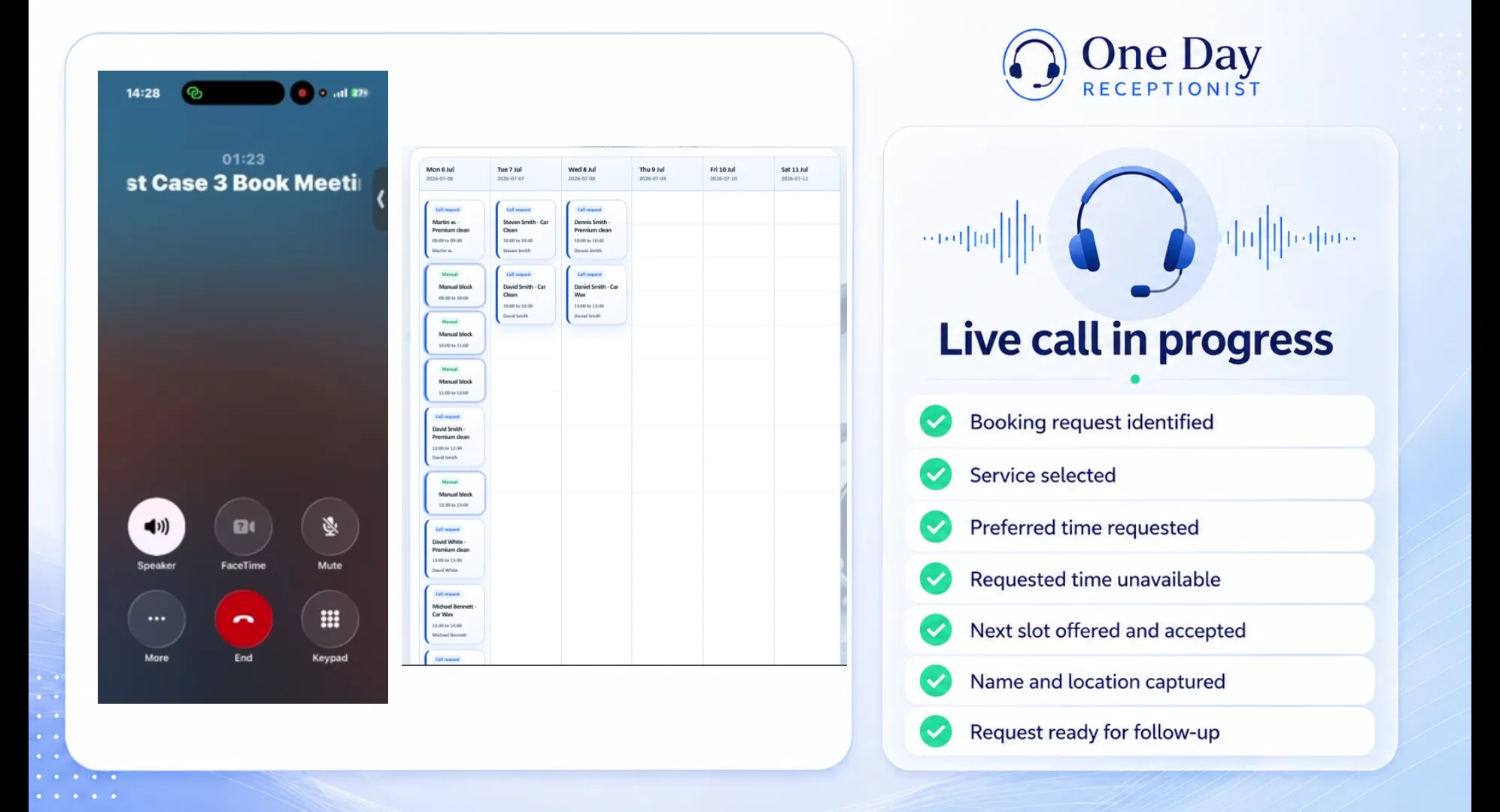 ▶
Appointment enquiries
Collect appointment preferences for follow-up.
Watch call demo
▶
Appointment enquiries
Collect appointment preferences for follow-up.
Watch call demo
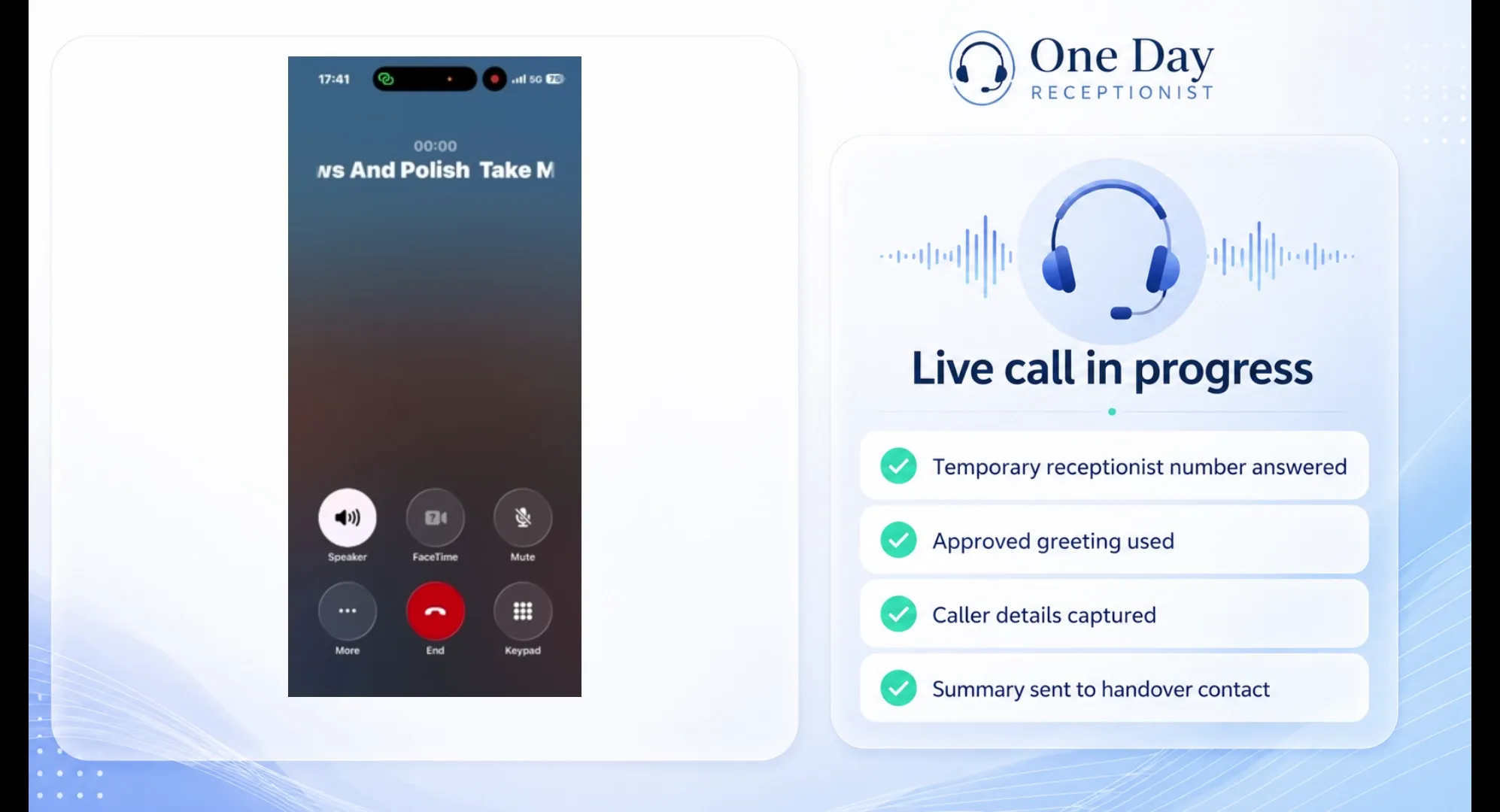 ▶
Event cover
Handle event and open-day enquiries.
Watch call demo
▶
Event cover
Handle event and open-day enquiries.
Watch call demo
 ▶
Busy day overflow
Answer callers when call volumes are high.
Watch call demo
▶
Busy day overflow
Answer callers when call volumes are high.
Watch call demo
Use cases
For the days when calls still need answering but nobody can reliably pick up.
Your receptionist answers the call, captures the request, checks the details and sends the summary to you by SMS and email.
Set up this type of cover
Choose your cover type, answer the guided questions, preview what callers will hear, then activate and forward calls when ready.
A short walkthrough will show the setup helper building a receptionist from start to finish.

Choose the kind of phone cover you need for the day.

The setup helper asks one question at a time and can write suggested answers for you.

Check the exact greeting, questions and closing message before you activate.

Choose your cover length, pay securely and activate when ready.
Use the temporary receptionist number and forwarding instructions when you are ready for calls to be answered.
What it does
Pick the type of phone cover you need for the day. Your AI receptionist can take messages, capture callback requests, collect appointment enquiries, handle busy-day overflow or give an event a temporary phone route.
Select a cover type to view the setup and example call flow.
Answer callers, capture their name, number and message, then send the summary to you.
Set up message taking ↩ Callback Requests Give callers a clear callback route.Capture who called, why they called and when they would prefer a response.
Set up callback requests ◷ Appointment Enquiries Collect the details so you can confirm later.Capture the service needed, contact details and preferred dates or times.
Set up appointment enquiries ⚡ Busy Day Overflow Extra phone cover when your team is stretched.Add answering capacity when staff are busy, off sick or call volume spikes.
Set up busy day overflow ◎ Event Cover Temporary phone cover for campaigns and events.Give open days, launches, promotions and short campaigns a temporary phone route.
Set up event coverNot sure which one to choose? Start with Busy Day Overflow if you need extra answering capacity, or Message Taking if you simply need calls captured.
See all call typesEvery call is captured, checked and sent to the right place.
A short summary is sent straight to the chosen mobile number.
A fuller version is sent to the business email address with the call reason, notes and next step.
Names, numbers and important spellings can be repeated back before saving.
The enquiry is logged so you can review it later.
Answer simple questions and the helper drafts your receptionist wording as you go. You stay in control and can edit everything before going live.
No long forms. The helper asks for the next detail it needs.
Ask for an example, a warmer tone or a more professional answer.
Use the helper’s wording, edit it, or write your own.
Hear the greeting, questions and closing message before callers do.

AI assistant
FAQs
Quick answers before you set up your receptionist.
It answers when you forward calls to your assigned receptionist number. You stay in control of when forwarding is switched on or off.
Yes. After activation, you get a temporary receptionist number to forward calls to for your cover period.
Most businesses can complete the guided setup in a few minutes. You can review the wording before activating.
Yes. The setup helper drafts the wording and you can review, edit and preview the speech before going live.
You receive caller details and a summary by SMS and email, depending on your setup.
Your day includes usage credit for call handling. If calls go over that credit, the extra usage is charged separately. Your receptionist does not suddenly cut off mid-call, and you can review call activity in your account area.
We send call summaries and setup emails from hello@onedayreceptionist.com. Add hello@onedayreceptionist.com to your safe senders list to help prevent emails going to junk.
Yes. You can book a setup demo if you want to see the receptionist flow before activating your day cover.
Yes. It can capture appointment requests, preferred times and caller details for your team to follow up. It should not be treated as a finalised appointment unless your setup specifically supports that workflow.
Yes. The setup helper drafts the wording, but you can edit and preview it before activating your receptionist.
Yes. Your setup is saved for 12 months, so future cover can be activated more quickly.

Takes a few minutes. Your setup is saved for 12 months.